

FREE TO START · 2026
Free Car Wrap Visualizer Online: See Any Vinyl on Your Own Car
Upload one photo of your car and get a photorealistic preview of matte, gloss, satin, chameleon or carbon film on it. Real 3M, Avery, KPMF and Hexis profiles, not generic color swatches. Your first 3 generations are free and no credit card is needed.
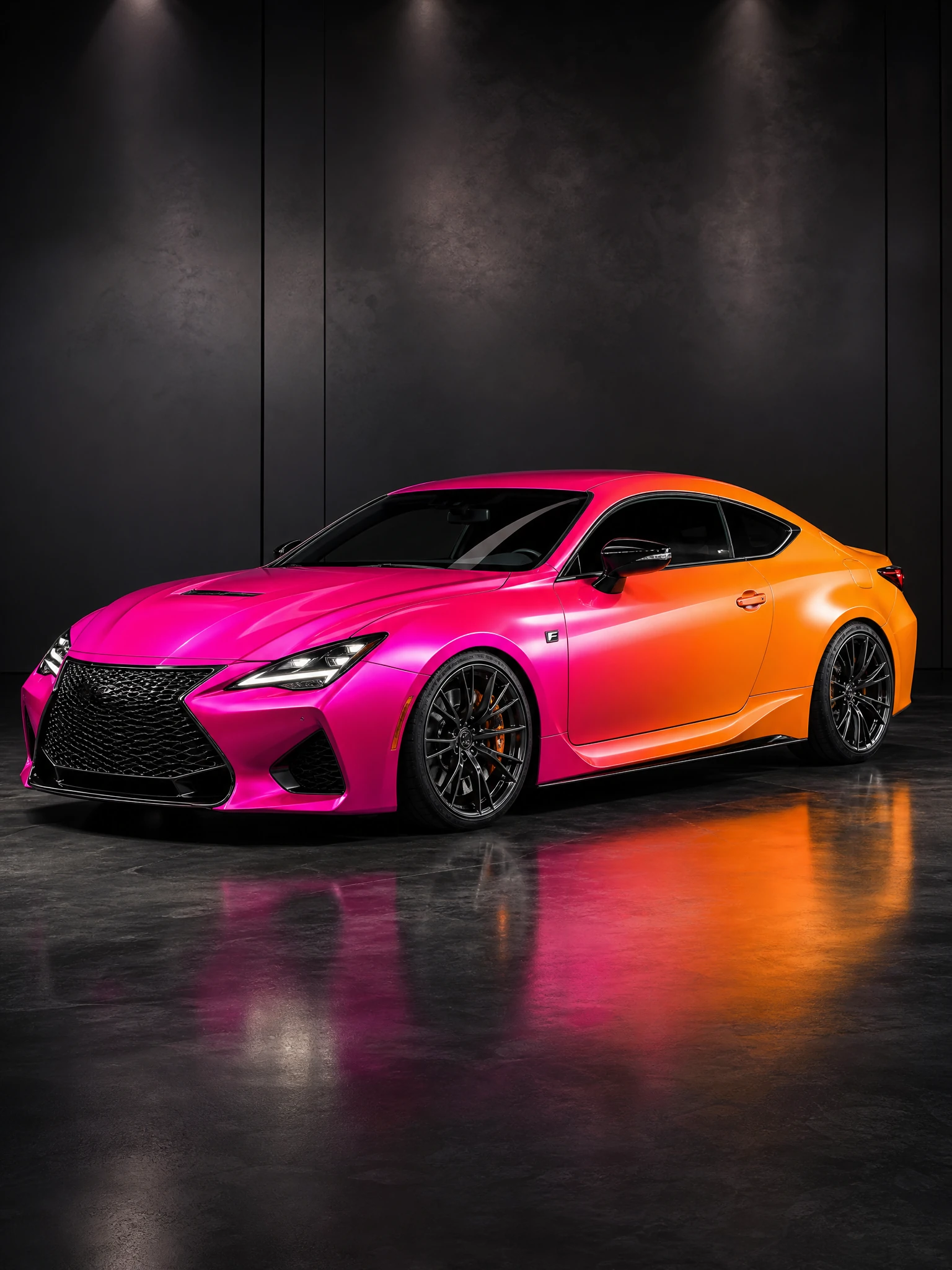
What a free car wrap visualizer actually does
Almost every car wrap visualizer you find online is one of two things: a color picker sliding a flat tint over a stock 3D model, or a tool that shows you a gallery and never your own vehicle. Neither tells you what you actually want to know, which is how this film will look on your car, in your light, with your body lines.
A modern visualizer works from a photo instead. You upload the car, pick a real film, and the preview comes back with the reflections, the curvature and the finish behavior of that specific vinyl. If you want the design side rather than the finish side, designing a wrap online covers that, and color accuracy explains what separates a preview you can trust from a pretty picture.
FREE TO START
Photo in, realistic wrap out, under 10 seconds
Create an account, confirm your email, and your first 3 generations are free with no credit card. Nothing to install either: it runs in the browser on a phone, which matters when you are standing next to the car deciding between two finishes.
How the free car wrap visualizer works
Four steps. The only one that needs care is the first, because the quality of your photo sets the ceiling on the preview.
- Upload a photo of your car. Side or front three-quarter, whole vehicle in frame, daylight, clean bodywork. A phone photo is fine.
- Pick a real film. Matte, gloss, satin, metallic, carbon fiber, color-shift chameleon, or clear PPF over the top, selected from actual manufacturer profiles rather than RGB values.
- Let the preview render. The AI re-lights the body: reflections follow your panels, the finish behaves the way that film behaves, badges and glass stay untouched.
- Compare and save. Run the same photo through a few finishes, then keep the ones worth showing your installer.
OUTPUT EXAMPLES
Same car, four different films
This is the comparison that decides most wrap purchases, and the one that is impossible to make from a swatch book on a shop counter.
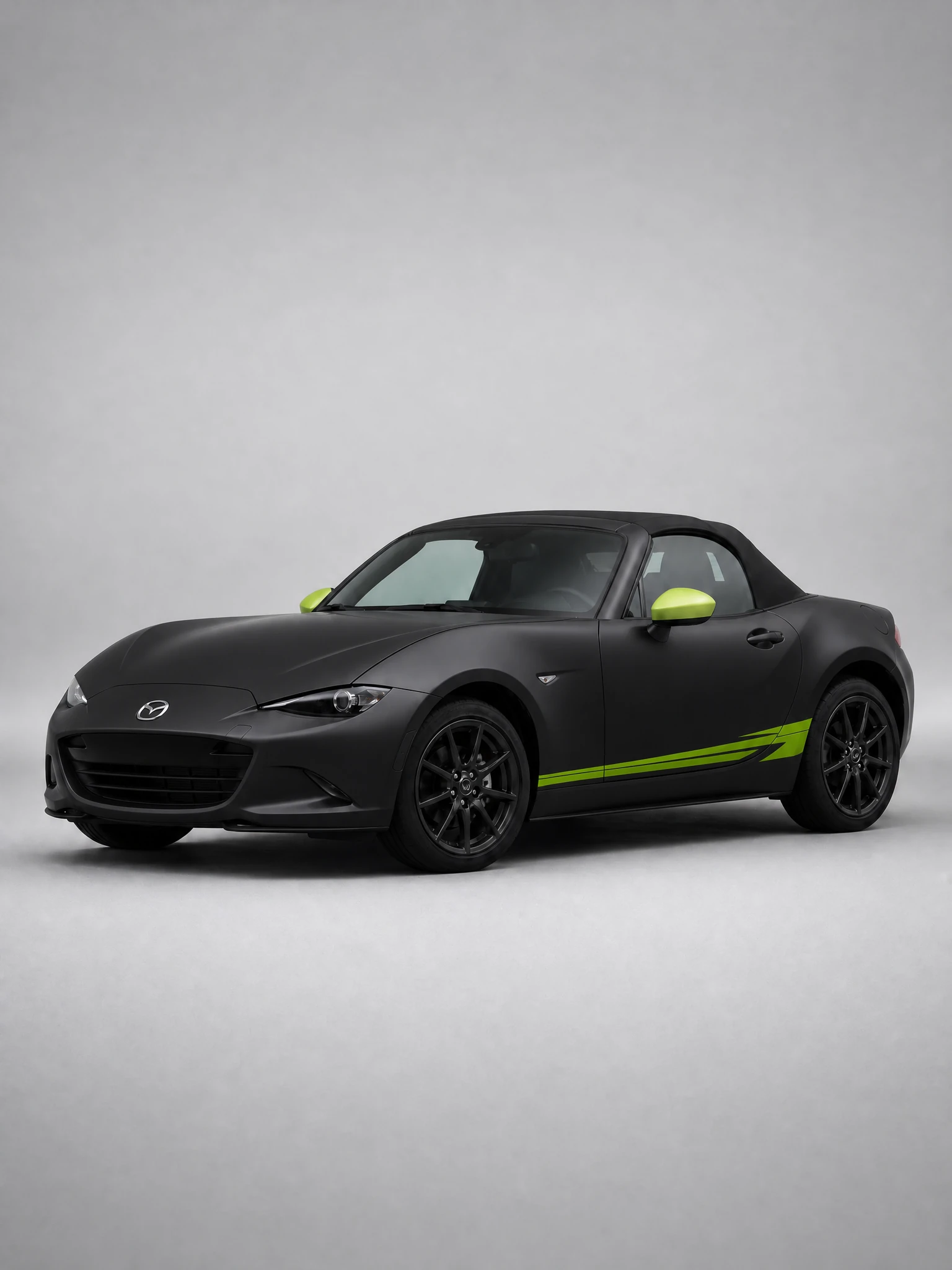
Kills reflections and flattens the body lines. A matte preview is the honest test of whether a car’s shape works without highlights to help it.
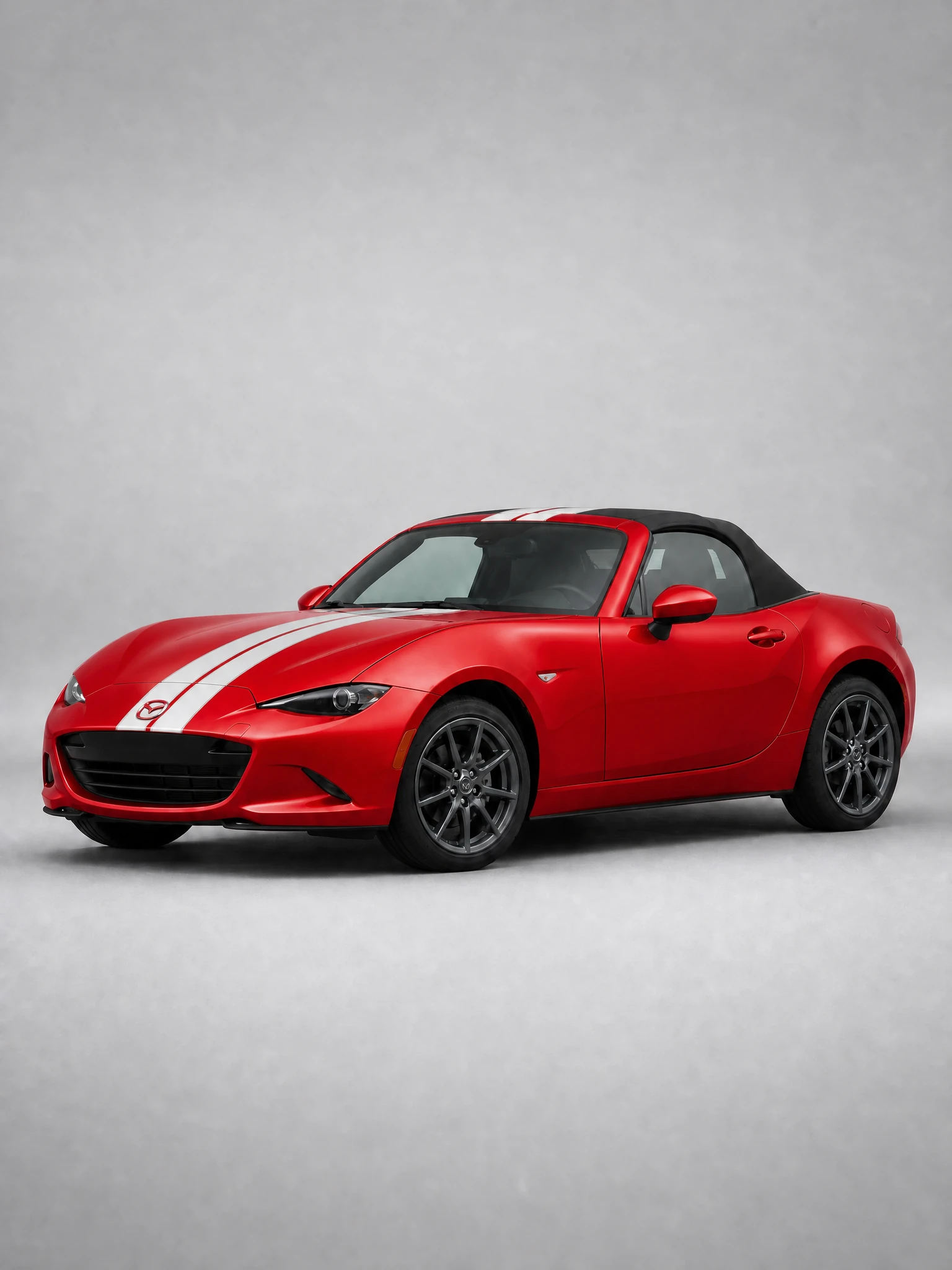
Maximum reflection, maximum saturation. Gloss is where a bad preview gives itself away, because the highlights have to follow the real panel curvature.
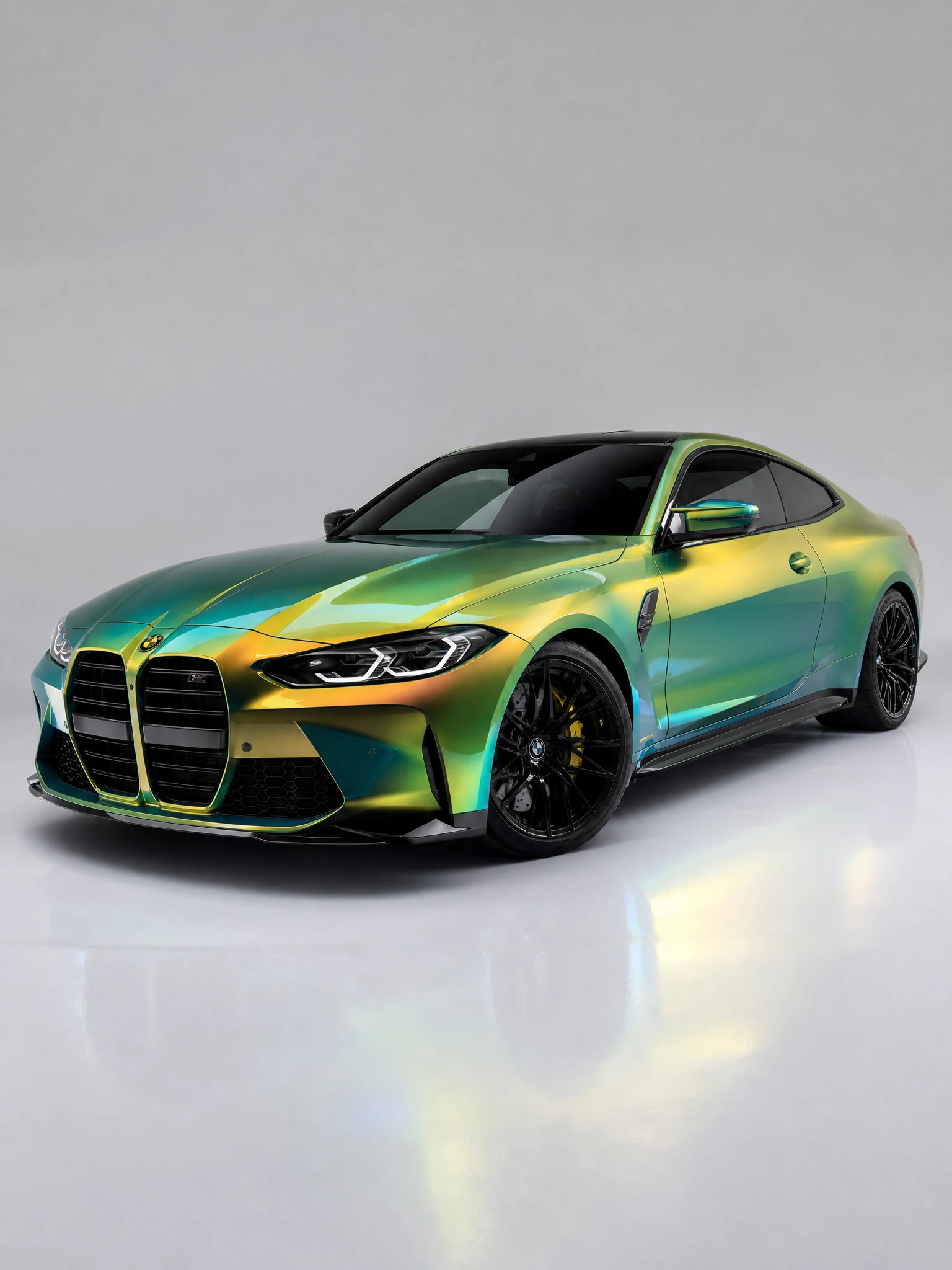
Two different cars depending on the angle and the light. The only finish you genuinely cannot judge from a sample square, because the flip is the whole product.
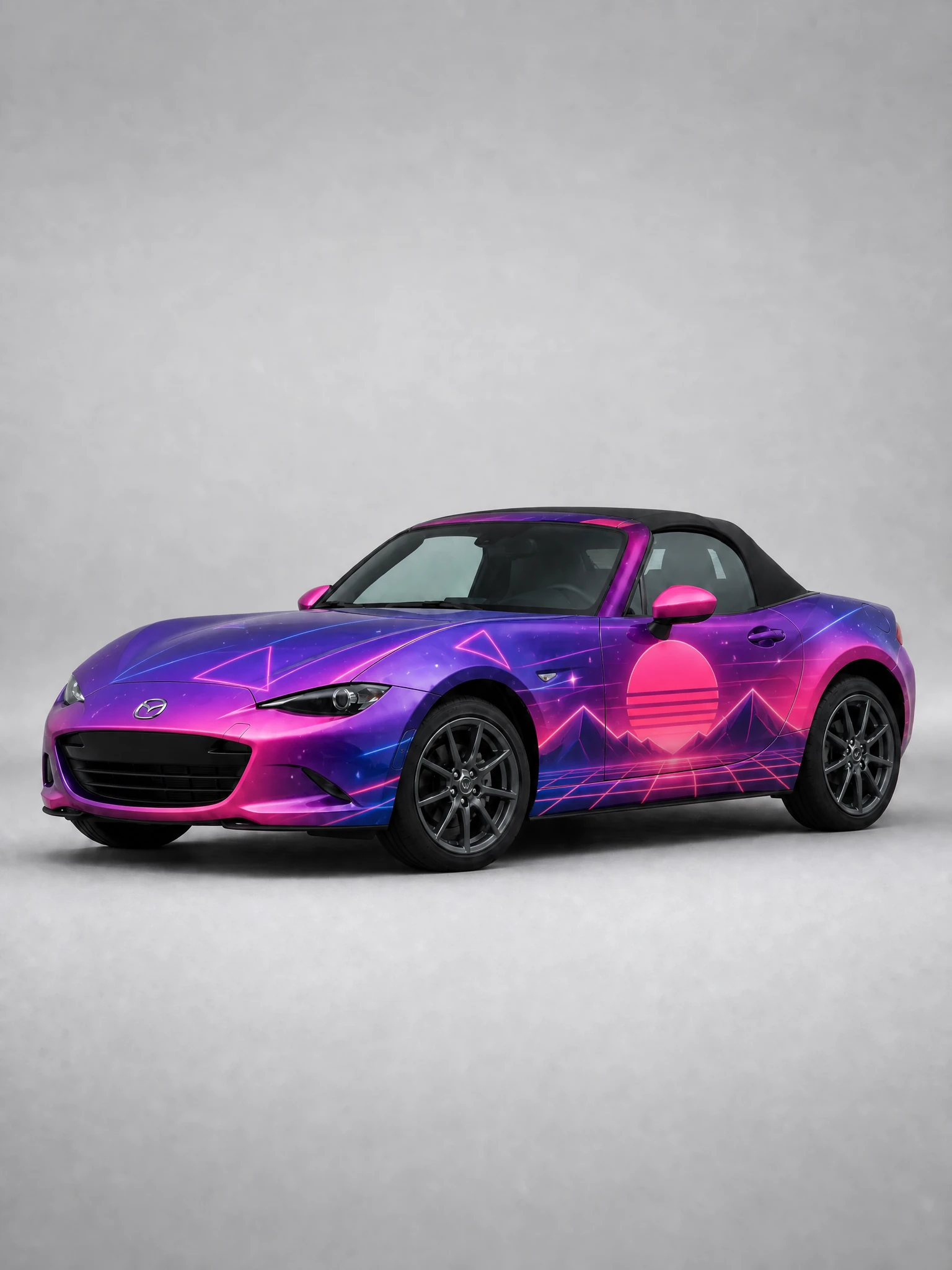
Printed film rather than a solid color: liveries, patterns, sponsor layouts. Preview these on the real body to catch artwork crossing panel gaps.
What the free tier includes, and what it does not
Straight answer, because most tools stay vague about this until you have already uploaded a photo.
| Free | Paid plans | |
|---|---|---|
| Account required | Yes, with email confirmation | Yes |
| Generations included | 3 free | Per plan |
| Credit card to start | Not needed | Required |
| Realistic preview on your own photo | Yes | Yes |
| Real manufacturer film profiles | Limited selection | Full catalog |
| Watermark on the result | Yes | No |
| High-resolution export for client decks | Limited | Yes |
| White-label for wrap shops | No | Yes |
| Bulk and whole-fleet previews | No | Yes |
Visualizer vs the old ways of deciding
| Method | Time to an answer | Shows your car | Shows real film behavior |
|---|---|---|---|
| Sample square on the counter | Instant | No | Color only, no scale, no curvature |
| Stock 3D configurator | Minutes | No | Flat tint, generic body |
| Photoshop mockup by a designer | Hours to days | Yes | Depends entirely on the designer |
| AI visualizer on your photo | Under 10 seconds | Yes | Yes, film-trained finish behavior |
Getting a preview worth trusting
Four habits that separate a useful preview from a misleading one, and they matter more when you only have 3 free generations to spend.
TIP 1
Shoot in flat daylight
Overcast or shade, not direct midday sun. Hard shadows and blown highlights give the model less body information to work with, and the preview inherits the problem.
TIP 2
Get the whole car in frame
Front three-quarter or a straight side, wheels to roof, no cropping. Partial shots produce previews that look right in the middle and wrong at the edges.
TIP 3
Shortlist before you generate
Decide on two or three candidate films first, then spend your generations on those. Browsing at random burns the free tier without producing a comparison.
TIP 4
Judge the preview outdoors
Look at the result on a phone, outside, at arm’s length. That is roughly how anyone will see the finished car, and it is a harsher test than a bright desk monitor.
THE PART MOST TOOLS SKIP
A free preview is only useful if the color is real
A visualizer that guesses at vinyl produces images that look great and set your client up for disappointment on installation day. Film-trained models render metallic flake, gloss shift and satin depth as the physical film actually behaves, which is the difference between a preview and a mood board.
Frequently Asked Questions
1. Is the car wrap visualizer really free?
Your first 3 generations are free and no credit card is required. You do need an account with a confirmed email address, and results on the free tier carry a watermark. Paid plans remove the watermark, open the full film catalog and add high-resolution export.
2. Do I have to register?
Yes. Previews are generated against your account so that your uploads and results stay yours, and the free generations are tracked per verified user. Signing up takes about a minute and needs no payment details.
3. Is there a watermark on the preview?
On the free tier, yes. An active subscription removes it, which is what you want before a preview goes into a client presentation.
4. Do I need to install anything?
No. It runs in the browser, including on a phone, which is the point: you can compare finishes standing next to the car.
5. What photo works best?
Whole vehicle in frame, side or front three-quarter, flat daylight, clean bodywork. A modern phone camera is more than enough, and lighting matters far more than megapixels.
6. Which films can I preview?
Matte, gloss, satin, metallic, carbon fiber, color-shift chameleon and clear PPF layers, drawn from real 3M, Avery Dennison, KPMF and Hexis profiles rather than generic color values. The free tier offers a limited selection; paid plans open the full catalog.
7. How close is the preview to the finished car?
Close enough to make a purchase decision on when the tool uses official film profiles, and installers rate real-film accuracy at 9.6/10. Screen calibration and ambient light still shift what you personally see, so judge outdoors on a phone.
8. Does it work for vans and trucks?
It does, and commercial vehicles benefit most because there is more surface to get wrong. See the truck wrap design generator and business car wrap ideas for layouts built around vans and box trucks.
See your car in a new film in the next 10 seconds
One photo, real film profiles, 3 free generations. Compare a few finishes before you commit to one.
3 free generations after signup • No credit card • Works on phone